Android 10 is why this question exists
Google stopped background clipboard access so apps could not silently harvest what you copy. A clipboard manager without Accessibility has to pick a legal path: a custom keyboard, reading the clip while the app is visible, share and text-selection targets, and a Quick Settings tile you tap yourself.
Soloclip is those paths. Play disclosure matches the code. There is no Accessibility service for capture.
What you give up, on purpose
You do not get a silent log of every copy while Instagram is open and Gboard is up. You get a tool you can explain on a Data safety form. For many people that is the reason to install it.
Set up capture without Accessibility
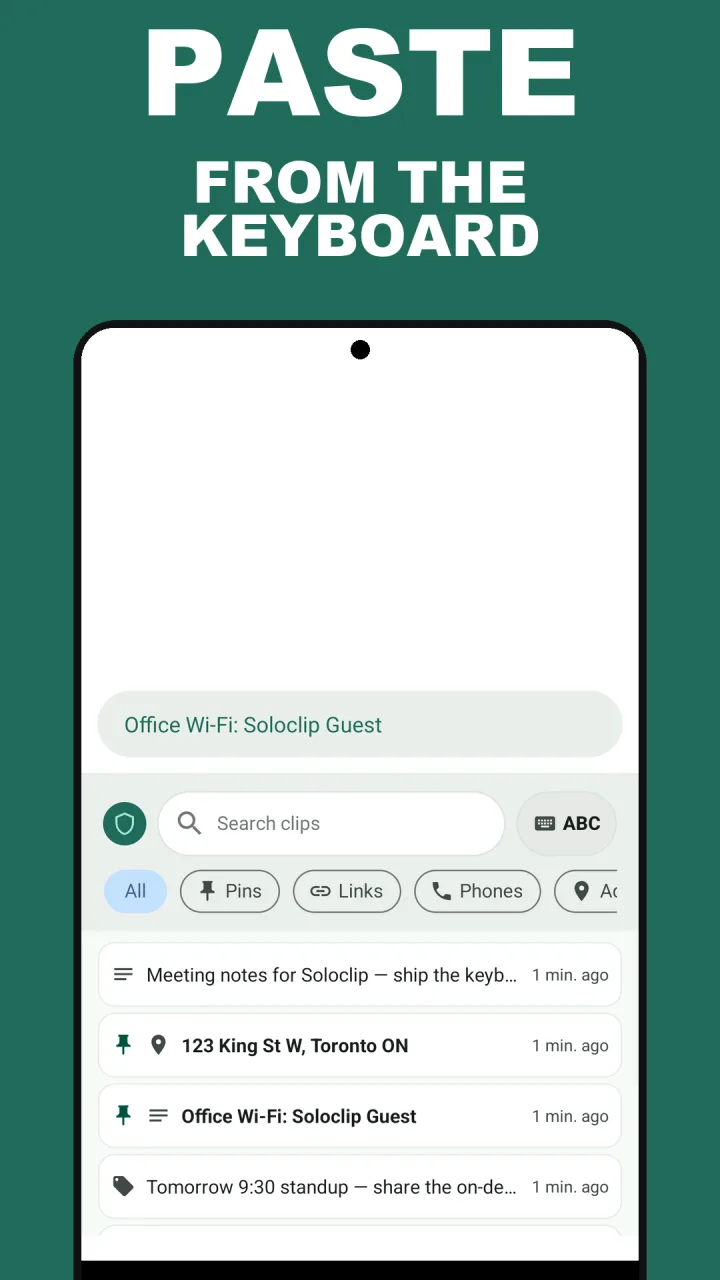
The onboarding keyboard page is the important one. Enable Soloclip as an input method, then switch to it when you want history to catch the copy or when you want to insert.
- Skip any Accessibility promptSoloclip does not ask for it and does not need it.
- Enable the Soloclip keyboardSystem settings → keyboards. This is an Input Method, the supported way to read and insert clipboard-related text.
- Or select text and tap Save to SoloclipThe text-selection menu in most apps offers Save to Soloclip next to Copy and Share.
- Or use the Save clip tileAdd the Save clip tile to Quick Settings and tap it after a copy.
- Or share text inShare → Soloclip from a browser or notes app.
- Or open the app after a copyWhen Soloclip is in focus it can read the current clip. It will not poll in the background.
Keep clipboard history on this phoneFree to download with unlimited history. Unlock once. No ads. No subscription.
No Accessibility FAQ
Why do other apps need Accessibility for clipboard?
Background apps cannot read the clipboard on Android 10+. Accessibility is the workaround many developers picked.
Is the Soloclip keyboard a keylogger?
No. It is an insert panel for clips you already saved, plus capture while it is the selected IME. It does not record keys from Gboard.
Will I miss copies while Gboard is showing?
You can miss copies if Soloclip is not the IME and the app is not focused. Select-and-save, the Save clip tile, and share cover those. The product does not lie about that.