What makes a scrapbook different from a photo album
An album is pictures in order. A scrapbook is pictures plus context: the caption that explains why the blurry photo matters, the scanned card from the hospital, the note about what they said. The mixing of media is the point, and it is exactly what camera rolls and social feeds are bad at.
A baby scrapbook app should therefore let one entry hold several kinds of thing at once, and organise entries into pages you can flick through.
How Everkeep works as a scrapbook
- Mixed pages. A page can hold photos, videos and a voice recording, with a title and the story in your own words.
- Paper keepsakes. Scan the bracelet, the card, the first drawing, and each becomes a page. Everkeep can read handwriting into text on your phone.
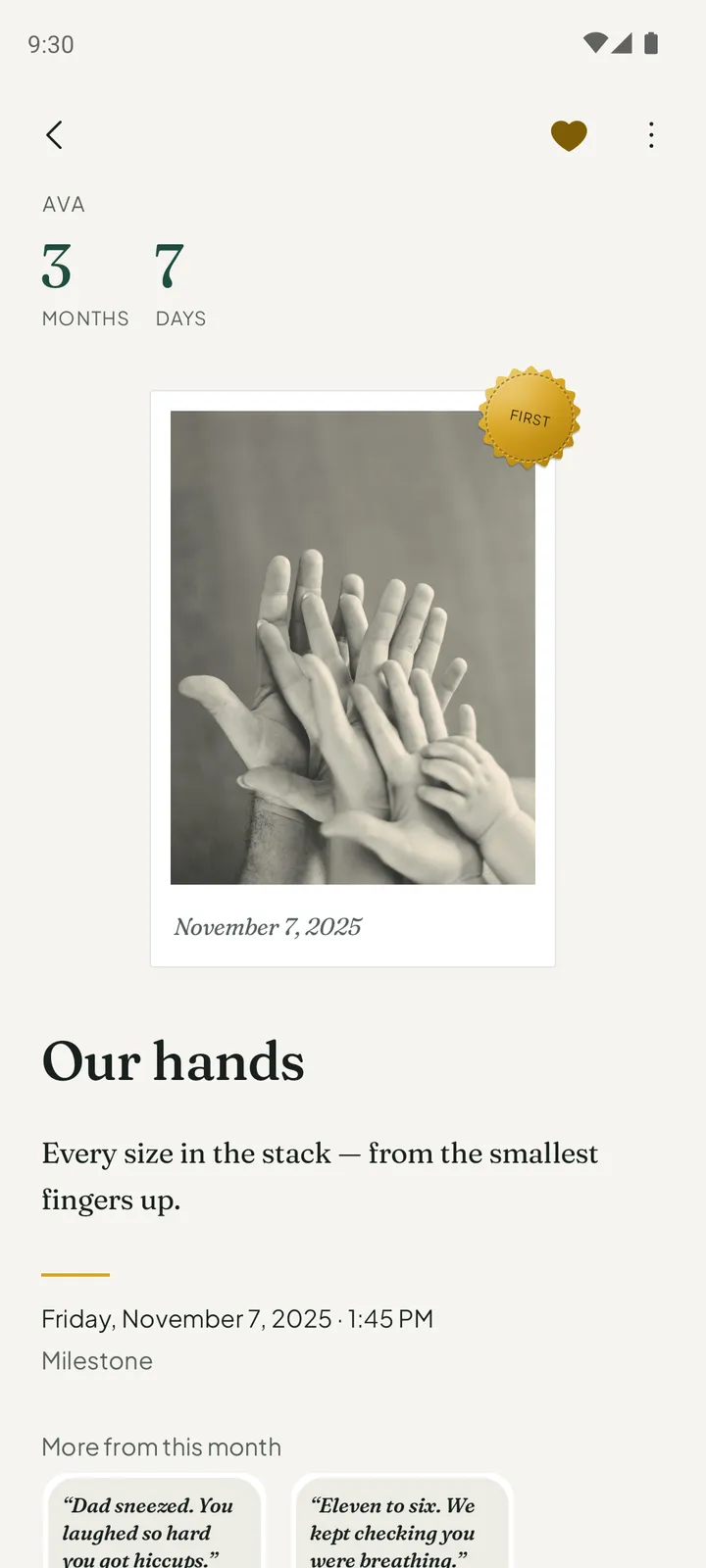
- Pages that look like what they are. A photo is a print with the date on its border. A voice note is a card that shows the shape of the recording. A note is set like the text of a book.
- Chapters. The Book sorts pages into chapters by month of life. Turn through it like a book.
- Print. Everkeep Pro gives you the scrapbook as a clean PDF, and saves month films to your phone.
Everkeep keeps the layout calm and consistent rather than offering stickers and templates. If you want a book that will still look good in twenty years, that is the right trade.
How to build a baby scrapbook in Everkeep
Think in pages: one page per moment, with everything that belongs to it.
- Start with a photo or a videoPress + and take one, or choose from your library.
- Add the storyWrite a title and a few lines in your own voice. This is the caption that makes a scrapbook a scrapbook.
- Add soundAdd a voice recording to the same page: their giggle, your description, grandma’s comment.
- Scrapbook the paperKeep cards, notes and drawings as pages of their own. “Read from paper” turns the writing into text.
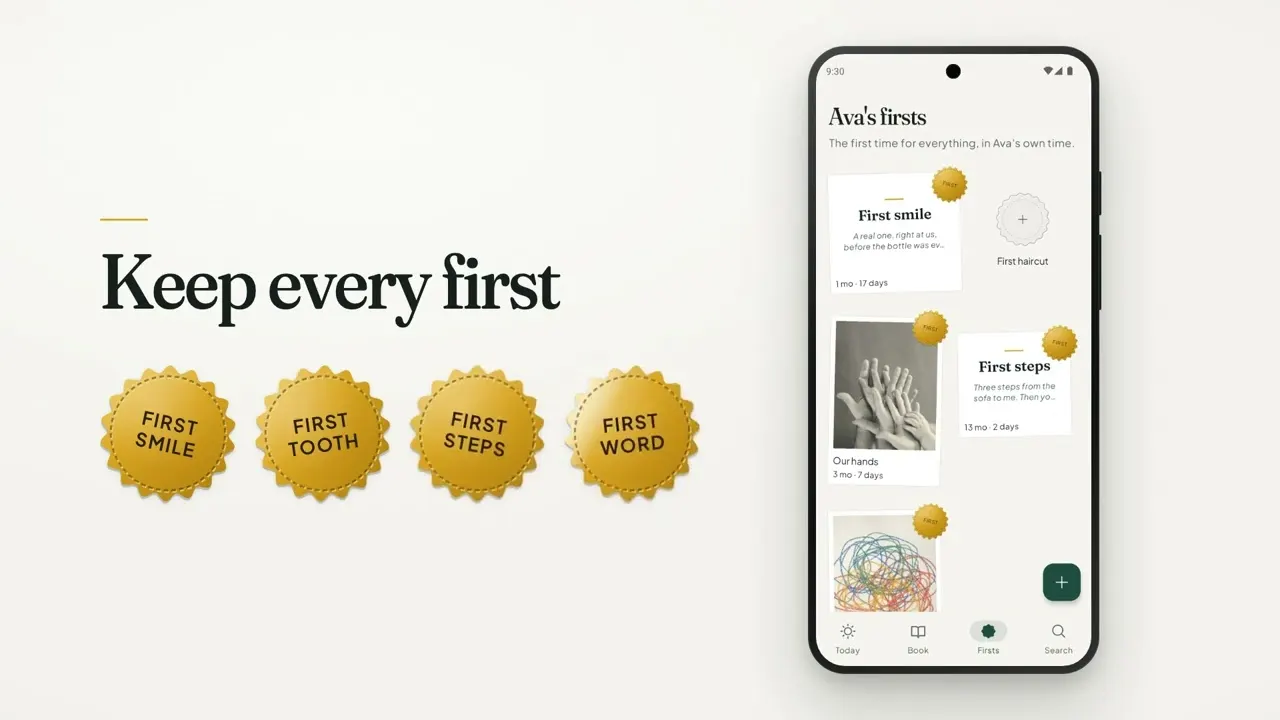
- Mark the firstsMark a page “This is a first” and it gets a foil seal and a place on the wall of firsts.
- Print (Pro)Preview the printed book from Today. Everkeep Pro gives you the clean PDF to share, save or send to a printer.
Scrapbook in seconds, not weekendsEverkeep is free on Android and iPhone. The printed PDF is part of Everkeep Pro, $9.99 once.
Baby scrapbook app FAQ
Can I add stickers, frames or templates?
No. Everkeep uses one clean, consistent layout so the book ages well. The personality comes from your photos, your writing and the voices you record.
How many photos can one scrapbook page hold?
A page can hold several photos and videos, plus a voice recording and your words. Keep as many pages as you like.
Can I scrapbook things from before I installed the app?
Yes. Import from your photo library and Everkeep files each photo and video under your child’s age on the day it was taken. Importing is free.